EXEForge
A downloadable tool
ExeForge Studio Offline
Turn your code into a Windows application—without relying on online build services.
ExeForge Studio Offline is a complete Windows application packaging tool designed to convert supported projects into distributable .exe files and professional Windows installers. It gives developers, creators, hobbyists, and small studios a straightforward way to package software for customers, clients, teammates, or commercial release.
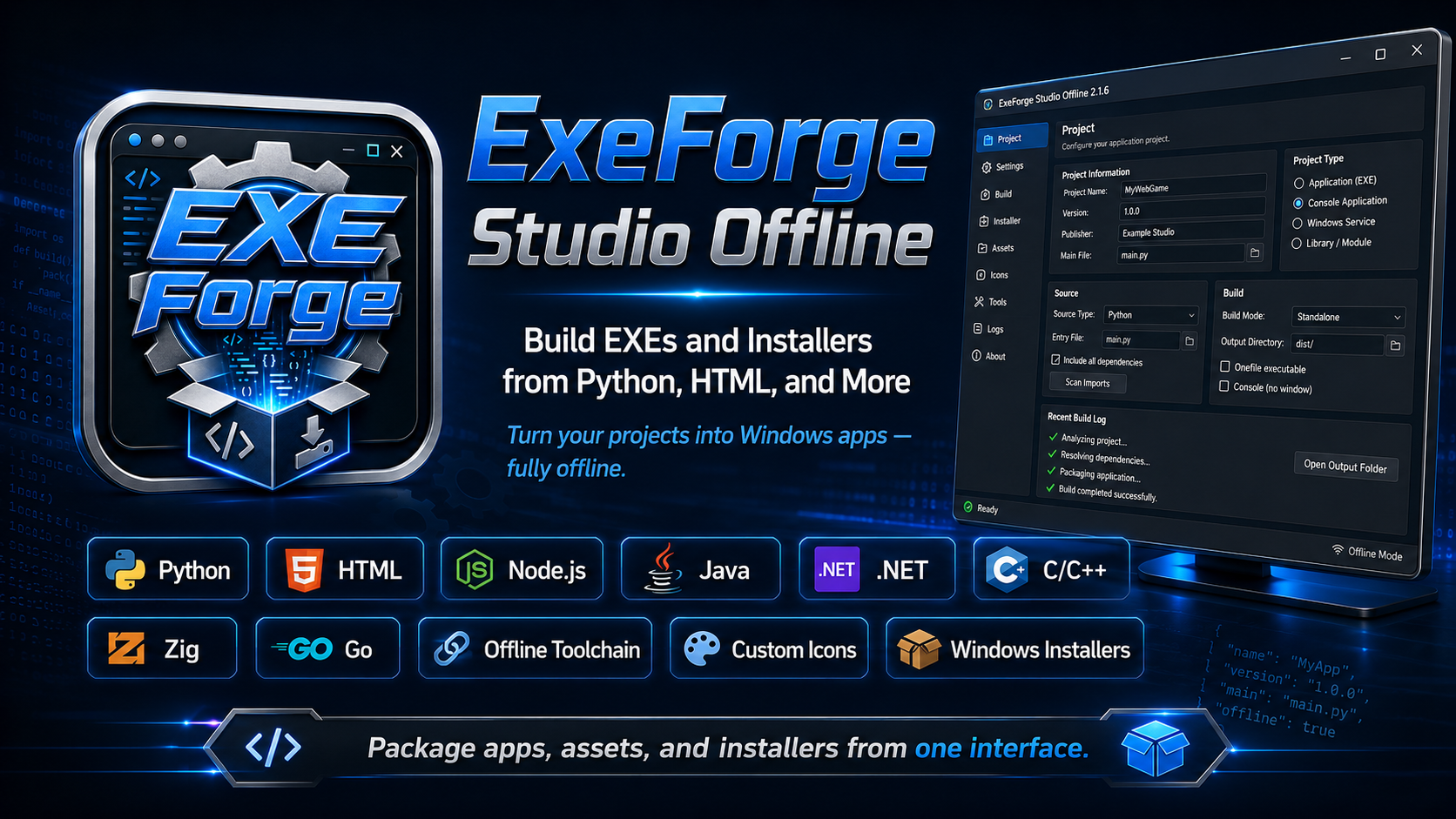
Whether you are building a Python utility, an HTML-based desktop application, a Node.js project, a Java program, a native C/C++ tool, or a portable application folder, ExeForge helps you prepare it for Windows distribution from one central interface.
Build Windows applications without command-line complexity
ExeForge replaces complicated build commands with a visual desktop workflow. Choose your source file or project folder, enter your application details, select your output options, and start the build.
You can configure:
- Application name
- Version number
- Publisher information
- Product description
- Windowed or console operation
- Application icon
- Additional files and asset folders
- Desktop and Start Menu shortcuts
- Installation permissions
- Output location
- Installer creation
Build activity is displayed in a detailed log, making it easier to follow progress and diagnose project-specific problems.
Supported project types
ExeForge Studio Offline supports a broad range of Windows development workflows.
Python
Package .py and .pyw projects as Windows executables.
Features include:
- Windowed and console application support
- Single-file or folder-based output
- Additional data and asset packaging
- Hidden-import configuration
- Local
requirements.txthandling - Offline Python package support
- Application icons and Windows metadata
HTML, CSS, and JavaScript
Turn a web project into a standalone Windows desktop application.
ExeForge can package:
- A single HTML entry file
- A complete website folder
- CSS stylesheets
- JavaScript files
- Images
- Audio
- Fonts
- JSON files
- WebAssembly files
- Other project assets
HTML applications run inside a desktop window and use a private local server for improved compatibility with modules, relative paths, and common browser features.
Node.js
Package Node.js projects using a locally included runtime.
ExeForge supports projects with locally available dependencies and can include the complete application folder in the final build.
Java
Build and package Java applications from:
- Java source projects
- Executable JAR files
ExeForge verifies that selected JAR files contain a valid application entry point before packaging.
.NET
Package supported SDK-style projects created with:
- C#
- Visual Basic
- F#
Native applications
Build supported native projects using included offline tools:
- C
- C++
- Zig
- Go
Scripts and portable applications
ExeForge can also package:
- Batch files
- CMD scripts
- PowerShell scripts
- VBScript
- JScript
- WSF files
- Existing Windows executables
- Complete portable application folders
A Custom Build mode is available for advanced users who need to connect additional local compilers, frameworks, or specialized build systems.
Create professional Windows installers
ExeForge does more than create an executable. It can also build a complete Windows installer for the finished application.
Generated installers can include:
- Application installation directory
- Start Menu shortcut
- Optional desktop shortcut
- Windows Apps & Features registration
- Version and publisher information
- Custom application icon
- Per-user installation
- Administrator installation
- Uninstaller
- Upgrade and replacement support
- Compressed application files
Installer updates use a staged replacement process designed to protect the previous installation if a new setup fails before completion.
Designed for offline use
ExeForge Studio Offline includes its supported build tools, runtimes, and packaging components locally.
Once installed, it does not need to contact an online compilation service to perform normal builds.
This makes it suitable for:
- Offline workstations
- Restricted networks
- Private development environments
- Archived development setups
- Educational labs
- Users who prefer local control over their projects
Project-specific third-party dependencies must still be available locally. For example, a Python library, Node module, Java library, or NuGet package used by your project must be included or supplied through the supported offline dependency workflow.
Package complete projects and assets
Applications often require much more than one source file. ExeForge can include supporting content such as:
- Images
- Music and sound effects
- Videos
- Configuration files
- Databases
- Fonts
- JSON data
- Templates
- Web assets
- DLL files
- Runtime resources
- Entire asset directories
Built-in path checks help prevent output folders from being copied back into themselves and guard against unsafe file overlaps.
Custom branding
Give your application a finished commercial appearance.
ExeForge supports:
- Custom
.icofiles - PNG, JPG, BMP, and WebP icon sources
- Automatic ICO conversion
- Application title and product metadata
- Publisher information
- Version information
- Custom installer and shortcut icons
The included ExeForge application itself uses a professionally designed EXE Forge icon across the main program, installer, uninstaller, and Windows shortcuts.
Safer builds and clearer diagnostics
ExeForge includes safeguards for common packaging problems.
These include:
- Output-path validation
- Asset collision detection
- Symbolic-link and junction protection
- Executable-output verification
- Java entry-point validation
- Compiler-process cancellation
- Build log reporting
- Startup diagnostic logs
- Corrupted-settings recovery
- Installer rollback support
- Runtime verification
- Offline payload integrity checks
Generated wrapper applications are designed to report startup failures instead of silently closing when an underlying script or runtime exits with an error.
Built for beginners and advanced users
New users can create a basic application by selecting a project, entering a name, and clicking Build.
Advanced users can configure:
- Hidden Python imports
- Local dependency folders
- Custom entry points
- Windowed and console behavior
- Additional asset destinations
- Installer permissions
- Shortcut behavior
- Custom commands
- Portable runtime projects
- Build-specific arguments
- Specialized output layouts
This makes ExeForge useful for both simple one-file utilities and more complex multi-folder projects.
Ideal for
ExeForge Studio Offline is well suited for:
- Independent developers
- Game developers
- Web developers
- Python programmers
- Software hobbyists
- Students and educators
- Internal business tools
- Prototype distribution
- Client software delivery
- Commercial desktop utilities
- Offline software packaging
Key features at a glance
- Convert supported projects into Windows
.exefiles - Build complete Windows installers
- Package Python and HTML applications
- Support for Node.js, Java, .NET, Go, C, C++, Zig, and scripts
- Package existing executables and portable folders
- Work offline with bundled build tools
- Include complete asset folders
- Add custom icons and metadata
- Generate uninstallers and shortcuts
- Create windowed or console applications
- View detailed build logs
- Cancel active builds
- Detect common path and packaging errors
- Recover from damaged settings
- Create upgrade-friendly installers
- Use advanced custom build commands
Create it. Package it. Distribute it.
ExeForge Studio Offline brings multiple Windows packaging workflows together in one application. Instead of managing separate command-line tools, installer scripts, runtimes, and build systems, you can prepare your application from a single visual interface.
Turn your project into a Windows program, create its installer, and get it ready for distribution—all from your own computer.
Download
Click download now to get access to the following files:
Development log
- I screwed up the icon file.2 hours ago
- First release.5 hours ago
Leave a comment
Log in with itch.io to leave a comment.